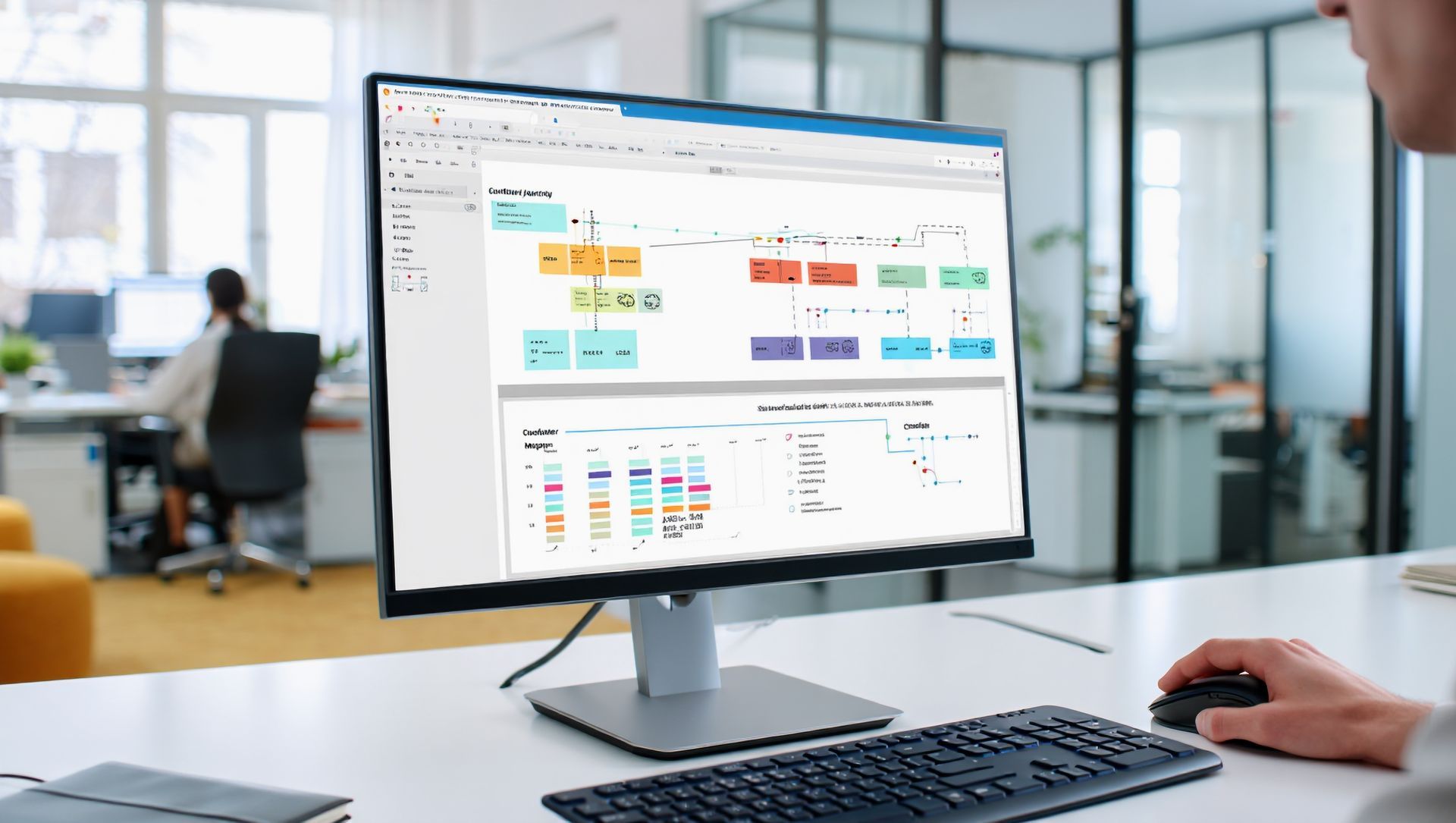
Microsoft Excel: Advance 

This course prepares participants to use advanced Microsoft Excel tools for data analysis, automation, and reporting. Participants will learn how to work with advanced formulas, PivotTables, dashboards, data tools, workbook protection, and productivity features to handle complex workplace data tasks more effectively.

Course Information

Date: Jul 16

Venue: To Be Confirmed

Fee: RM 500.00

Date: Sep 17

Venue: To Be Confirmed

Fee: RM 500.00

Date: Aug 20

Venue: To Be Confirmed

Fee: RM 500.00

Date: Oct 22

Venue: To Be Confirmed

Fee: RM 500.00

Course Name:

 Microsoft Excel: Advance 

Exam Code:

-

Duration:

1 Day

PSMB Scheme:

PMP® Exam Preparation

Fees (RM):

PMP® (Project Management Professional – PMI)

PDU Points:

-

Overview

This course is designed to equip participants with advanced Microsoft Excel skills for professional data management, analysis, and reporting.


Participants will learn how to use advanced formulas, lookup functions, PivotTables, PivotCharts, data analysis tools, conditional logic, data validation, and dashboard techniques. The course also introduces ways to improve spreadsheet accuracy, automate repetitive tasks, protect workbooks, and present data more clearly for decision-making.


Through structured learning and practical workplace scenarios, participants will gain the confidence to manage complex datasets, analyse information more effectively, and create professional Excel reports and dashboards.



Audience Profile

This course is suitable for users who already have intermediate Excel skills and want to advance their data analysis, reporting, and productivity capabilities.


It is especially suitable for:

  • Executives and officers
  • Data analysts
  • Finance and accounting teams
  • HR and payroll teams
  • Sales and operations teams
  • Administrative professionals handling reports
  • Managers who work with business data
  • Anyone who uses Excel regularly for analysis and reporting

Prerequisities

Participants should have intermediate experience using Microsoft Excel.


Before attending this course, participants are recommended to have:

  • Ability to manage Excel workbooks and worksheets confidently
  • Familiarity with formulas, functions, sorting, filtering, and tables
  • Basic experience with charts and data presentation
  • Understanding of lookup functions such as VLOOKUP or XLOOKUP
  • Interest in improving data analysis, reporting, and spreadsheet efficiency

At Course Completion

At the end of this course, participants will be able to:

  • Use advanced formulas and functions for complex calculations and analysis
  • Create PivotTables, PivotCharts, and dashboards for reporting
  • Apply advanced data tools to clean, organise, and analyse datasets
  • Improve spreadsheet accuracy, protection, and workflow efficiency
  • Present business data more clearly for reporting and decision-making

Course Outline

  • Reviewing intermediate Excel skills and preparing data for advanced analysis
  • Using advanced formulas and functions such as XLOOKUP, INDEX MATCH, IFERROR, SUMIFS, COUNTIFS, and nested IF
  • Creating PivotTables, PivotCharts, slicers, timelines, and interactive summaries
  • Applying data tools such as data validation, conditional formatting, text-to-columns, remove duplicates, and what-if analysis
  • Building practical dashboards and management reports using charts, tables, and formulas
  • Protecting worksheets, managing workbook security, and improving spreadsheet accuracy
  • Applying advanced Excel techniques to solve workplace reporting and analysis challenges

Related Course

Guy Hawkins

President of Sales

Guy Hawkins

President of Sales

Guy Hawkins

President of Sales

Guy Hawkins

President of Sales

Guy Hawkins

President of Sales

Guy Hawkins

President of Sales

Guy Hawkins

President of Sales

Guy Hawkins

President of Sales

Guy Hawkins

President of Sales

Guy Hawkins

President of Sales

Guy Hawkins

President of Sales

Guy Hawkins

President of Sales

Guy Hawkins

President of Sales

Guy Hawkins

President of Sales

Fill Up The Form For Enquiry

Contact Form-MicrosoftOA